01
A better way to work.
Kick off a task, shut your laptop, come back, and it’s done.
Team dashboards · Project trackers · Approval flows
Your idea has a new starting point
Turn your idea into a web or mobile app. Describe what you need, shape it with AI, and launch it with Onyx Cloud.
No coding experience needed to get started.
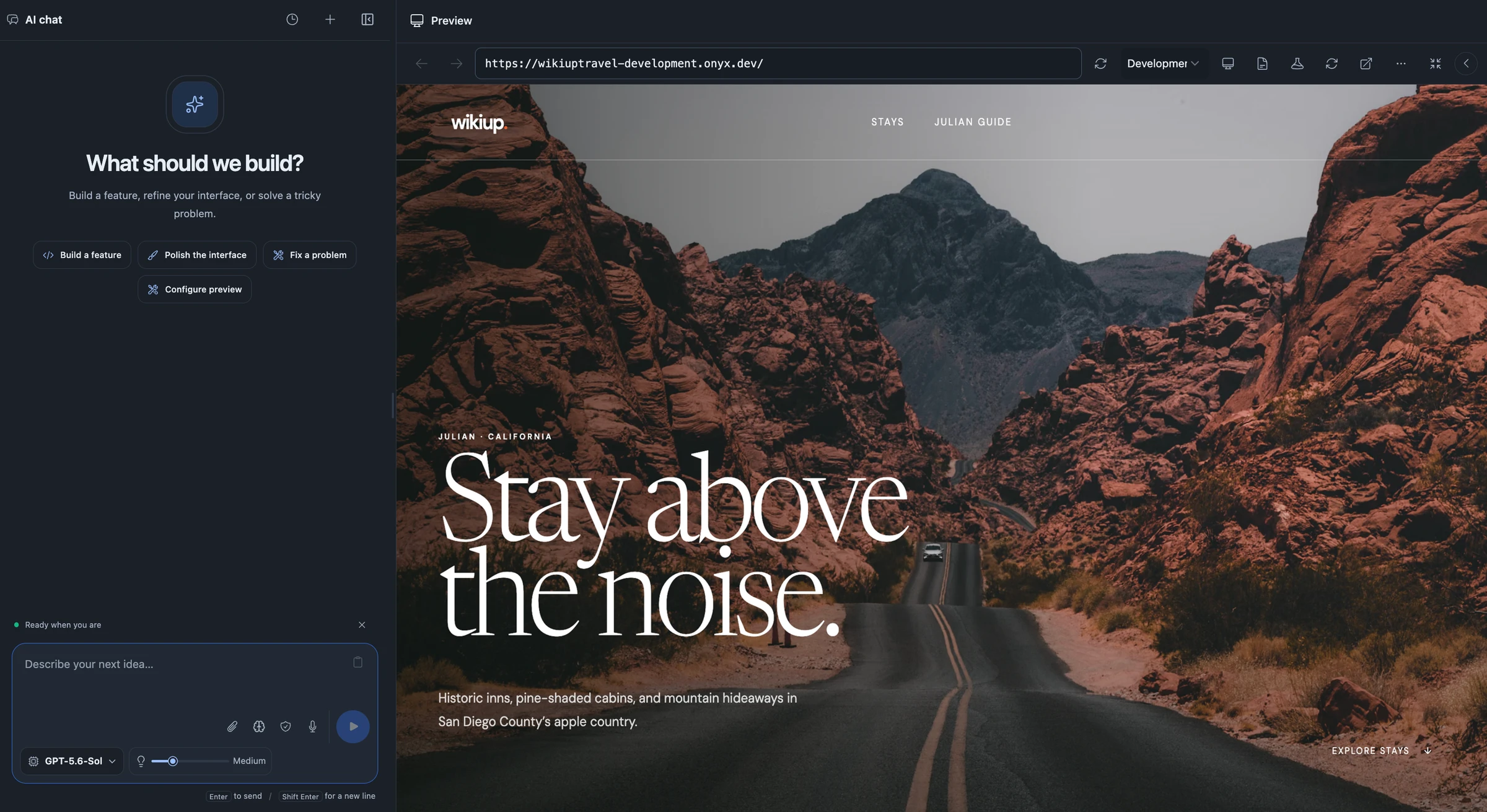
From the first “what if”
to something people use.
Made for your kind of idea
A business to run. Customers to help.
An idea you can’t stop thinking about.
Kick off a task, shut your laptop, come back, and it’s done.
Team dashboards · Project trackers · Approval flows
Onyx manages a flexible database behind the scenes, so you can focus on your app. Ask questions and uncover insights with AI built into your data from day one.
Managed database · Built-in AI · Data insights
Bring a new service to life on the web or in a mobile app.
Web apps · Mobile experiences · AI products
Less setup. More possibility.
You bring the vision. Onyx helps with the building.
Describe your idea in your own words. Add a sketch or a screenshot if you have one.
Try a working preview, ask for changes, and keep refining until it feels right.
Publish when you’re ready. Manage your app and make improvements as you grow.
More than an app builder
Building is just the beginning. Your data,
AI tools, and next release belong here, too.
Customers, bookings, orders, and more. Keep your information organized and connected to your app.
Explore the database documentationAsk questions about your data, create reports, and build AI models that help your app make predictions.
Meet your AI toolkitPreview changes, publish your app, and connect your domain. Keep building on what works, all from the same workspace.
Explore WorkspacesLet’s make it happen